Ready to sell homemade food online? Your first-order checklist
Published By Jono Farrington · 7 min read
To start selling homemade food online, first confirm your local approval requirements, which products your kitchen can handle, and the food safety and labelling rules that apply. Then organise payment terms, an order deadline and a safe handover plan. An online checkout takes the order; it doesn't replace permission to operate a food business.
This checklist connects those checks to your first paid collection day. Requirements depend on your state, council, food and selling arrangements, so use it to prepare questions rather than as permission to trade.
1. Confirm permission for your food, kitchen and sales channels
In Australia, Food Standards Australia New Zealand's home-business guidance says home food businesses face the same food safety requirements as other food businesses, regardless of their size or how often they sell. It also directs businesses to notify their local food regulator before starting.
Don't assume that occasional sales, baked goods or packaged products automatically mean no licence is needed. Ask your council's environmental health team about your exact menu and process.
In Queensland, the state government's home-based food business guidance says local government approval is needed before a food business starts operating. Queensland home businesses must comply with food law and the Food Standards Code whether or not they need a licence. Licensable Queensland food businesses must nominate a food safety supervisor, and catering may also require an accredited food safety program.
Those Queensland requirements aren't a national licence checklist. In NSW, the Small Business Commissioner's home-business guidance says to contact council before opening; a Food Safety Supervisor may be needed depending on the food, and some councils may not approve high-risk foods from home. In WA, home-based food business guidance directs sellers to contact their local enforcement agency first and recognises that some activities may need commercial premises.
Send your council a short description covering:
- Every proposed product, including fillings, toppings and packaging.
- How you will prepare, cool, store and transport it.
- Whether customers will collect at home, buy at markets or receive deliveries.
- Your expected production quantities and frequency.
- Whether you plan to advertise, accept bookings or take deposits before launch.
Ask what must be approved before each activity. Don't treat a paid reservation as a way around unresolved approval questions. Queensland sellers can use our product-by-product licence checklist for a more focused starting point.
2. Check each product, not just whether it's homemade
The useful distinction is between food your regulator considers lower risk and potentially hazardous food needing tighter controls. A product name alone doesn't settle that question. Give council the recipe and process, especially where fillings, refrigeration or preserving are involved.
Use these examples to prepare your questions, not as a list of approved foods.
| Proposed product | Question to resolve | Launch decision |
|---|---|---|
| Plain biscuits or an unfilled cake | Is this recipe and storage method suitable for my home setup? | Confirm requirements before adding it to the menu. |
| Cakes with cream, custard or other refrigerated fillings | What controls are needed through preparation, storage and handover? | Only offer quantities and handovers your approved process can support. |
| Jam, pickles or chutney | What process, shelf-life and packaging checks are needed? | Don't guess shelf life or assume a sealed jar settles safety. |
| Mixed boxes | Do individual items need different storage instructions? | Plan packaging and customer instructions for every component. |
For a first release, a small menu makes those checks easier. Adding a refrigerated filling later should trigger another review, not just a new flavour option in your shop.
3. Prepare the kitchen and handover process
Ask council to assess your proposed fit-out before spending money on alterations. In Queensland, the home-business guidance requires food businesses to comply with Food Safety Standard 3.2.3, Food Premises and Equipment.
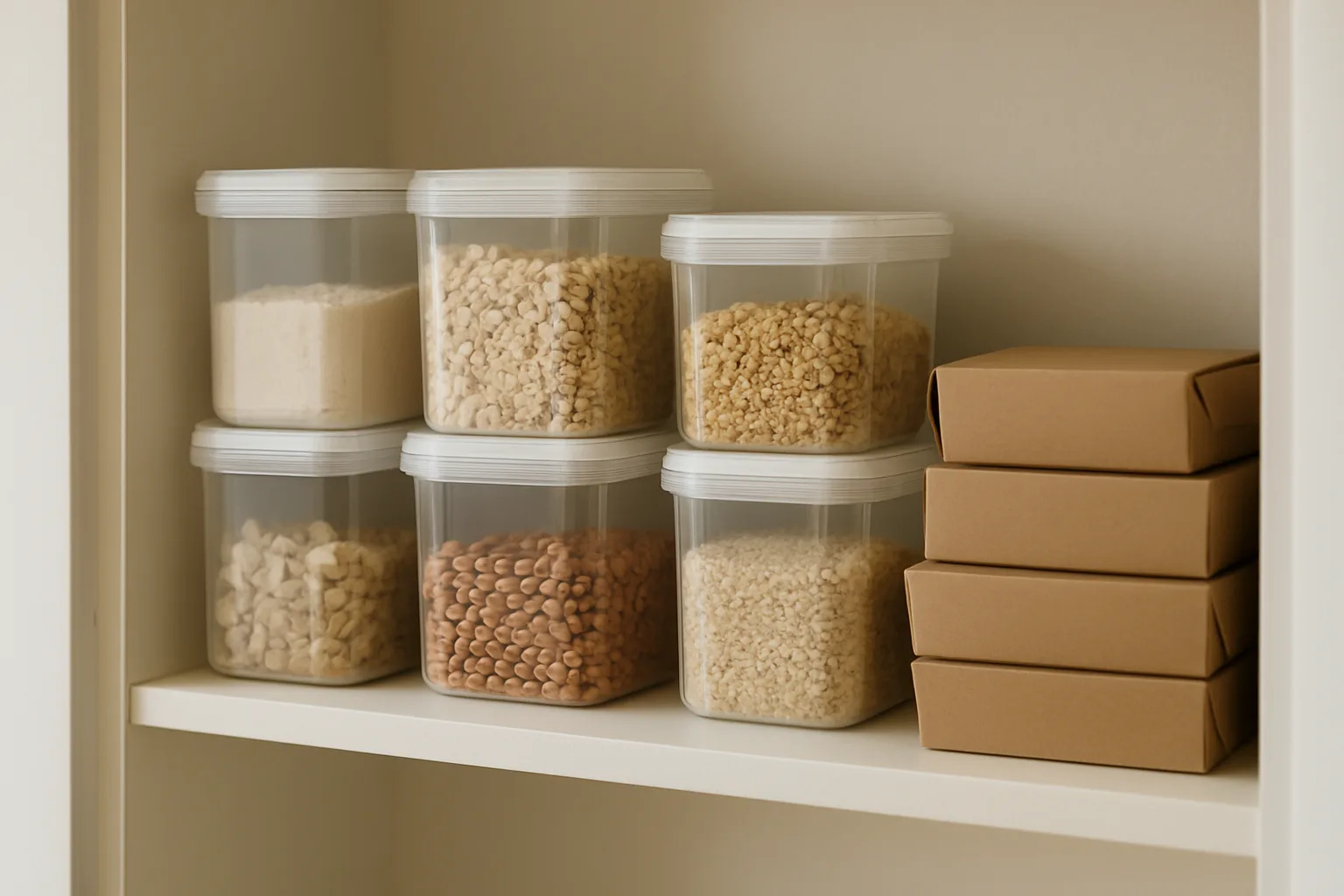
Prepare a practical plan for:
- Family cooking: how business preparation will be separated from household activity, pets and interruptions.
- Hygiene: handwashing, cleaning equipment and surfaces, and handling food safely.
- Storage: separate, identifiable ingredients, packaging and finished orders.
- Temperature control: how you will monitor and maintain any required temperatures during preparation, storage, transport and collection.
- Capacity: how many orders fit safely in your preparation and storage space.
Get product-specific temperature and time limits from your regulator. A convenient pickup window is not a substitute for those controls.
| Selling channel | What to confirm before launch |
|---|---|
| Online orders with home pickup | Home-business approval, customer access and a safe holding and handover process. |
| Market stall | Requirements at both the preparation premises and market location, plus transport and stall storage. |
| Local delivery | Transport controls, delivery arrangements and what happens when nobody is home. |
Queensland's guidance explicitly includes food made at home for sale at markets and says a licence may be required. Don't assume that permission for one channel covers every other channel.
4. Resolve labels and allergens before publishing the menu
FSANZ says Australian home-based food businesses must comply with Part 1.2 of the Food Standards Code, covering labelling and other information requirements. Queensland's home-business guidance specifically says foods manufactured and packaged for retail sale, including cakes, jams, pickles and chutneys, must be fully labelled in accordance with the Code.
Prepare a product information sheet before designing a label. Record the recipe, ingredient suppliers, packaging format, storage plan and proposed shelf life. Then ask your regulator which label details, allergen declarations and information at sale apply to that product.
- Check ingredient information against supplier packaging, including ingredients within fillings and decorations.
- Ask which allergen names, wording and presentation are required.
- Confirm any applicable date marking, storage instructions and business identification details.
- Check whether your packaging and selling arrangement changes what information must be provided.
This is a preparation list, not a complete legal label template. Don't assume an ingredient list on your order page replaces a package label, or that a general allergen disclaimer settles your obligations. If you cannot confidently answer a customer's allergy question, pause that order and clarify it rather than promising suitability.
5. Set business basics and payment terms
Before paying for packaging or advertising, review the wider home-business setup. Business.gov.au's home-based business guidance highlights registrations, licences, permits, insurance and landlord or lease checks.
Check which registrations apply to your circumstances, discuss the activity with your insurer, and confirm any lease or property restrictions. Keep those checks separate from food approval.
For a small, fixed-menu release, taking full payment when the customer orders is a practical way to establish a clear paid make list. For larger custom work, a deposit may suit better, provided the balance and handover terms are clear. Our custom cake deposit and pickup guide explores that narrower workflow.
Before accepting money, write down:
- What the customer is buying, the total price in AUD and any delivery charge.
- The order deadline, collection details and how to contact you.
- How customers request changes or cancellations.
- How you will handle missed pickups, seller cancellations and product complaints.
- Where you will record payments, refunds and agreed changes.
Have your refund wording checked against applicable consumer obligations rather than copying a blanket 'no refunds' policy. Also check platform and payment-processing costs separately when setting prices.
6. Turn the plan into a Vendl pre-order page
For a first collection day, Vendl's pre-order pages put several products under one order deadline and collection or delivery time, with a shareable link. Customers pay by card to reserve, so you can work from paid orders rather than separate messages and payment screenshots.
- Connect payments. Connect Stripe or Square in Payments. A pre-order page cannot go live without card payments enabled.
- Choose the products. Mark catalogue products as Available for pre-order pages, then add them to a new page.
- Set the timing. Enter Orders close and Collection (or delivery) time. Add a short note for directions or timing details.
- Choose the handover and payment. Select collection at a place or delivery to an address, then pay in full or a percentage deposit with the balance due on handover.
- Review the public page. Check products, prices, collection instructions and the payment journey before sharing its link.
Buyers enter their name, email and optional phone number, or their address for delivery, and receive a confirmation email after payment. In Collections, you can use the make list and packing list, then mark orders Ready and Collected. You can also email customers from Collections if arrangements change.
Keep each collection day on its own page. Different collection days need separate checkouts, and take-now stall items cannot share a checkout with pre-order items. Vendl organises orders and payments; it does not establish whether your kitchen, labels or food handling comply.
7. Run one small collection day before expanding
Hypothetical example: a baker whose products and home operation have been cleared starts with biscuit boxes and plain cakes. They close orders on Thursday evening for Saturday morning collection, leaving Friday for production and packing. Those times are an operating choice, not a legal minimum or a food safety limit.
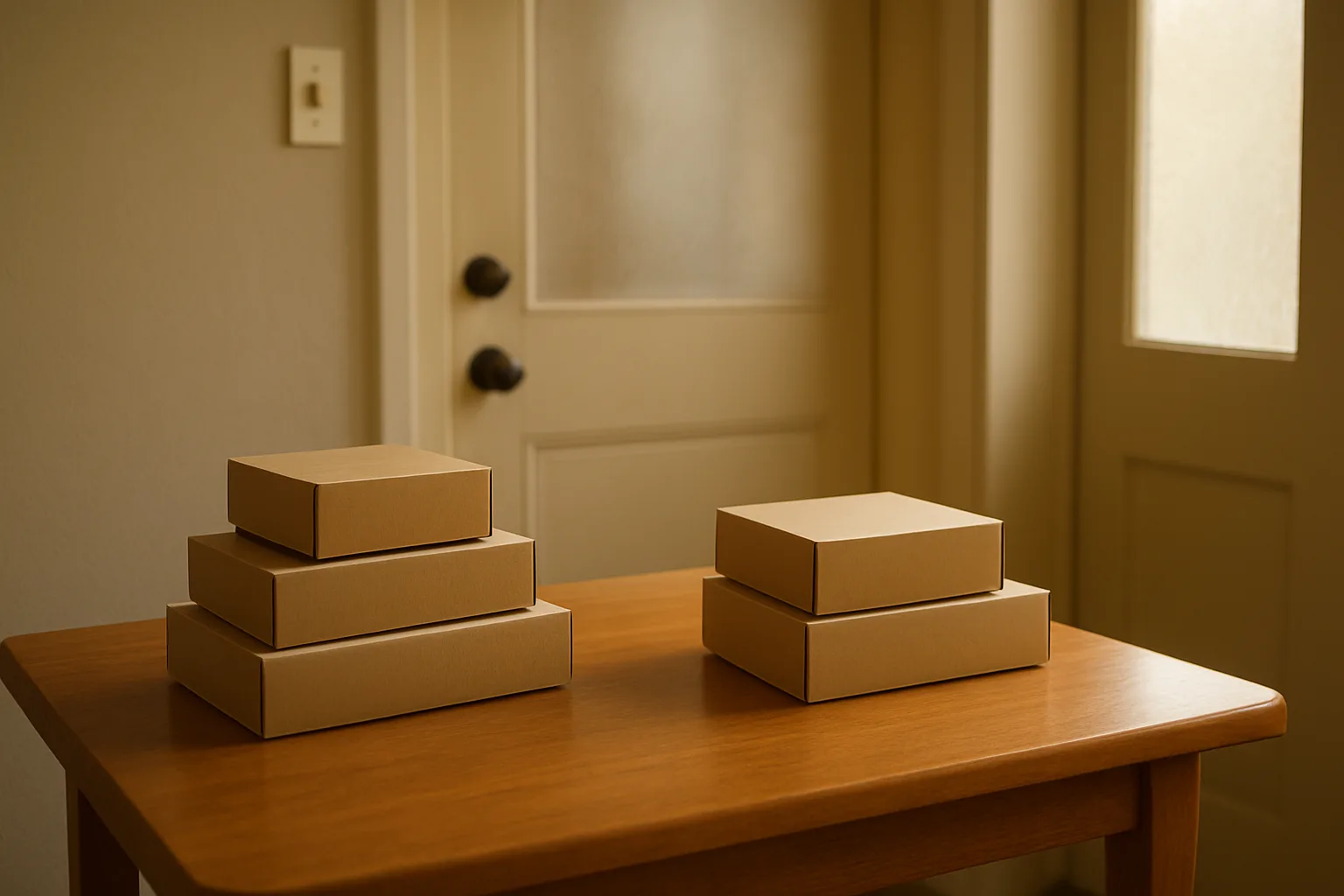
Before opening the page to customers, check:
- Approvals, notifications and any required training are resolved for this menu and channel.
- Recipes, labels and customer storage information are ready.
- Production quantities fit the kitchen and storage plan.
- The public page clearly states what customers receive and when.
- Payment, cancellation and missed-pickup arrangements are clear.
- Someone can match each paid order to the correct package at handover.
- You have a record of orders, ingredient purchases, recipe changes and any complaints or refunds.
After the first collection, review where customers needed clarification and where packing slowed down before adding more products or delivery days. Once the checklist is complete, create your Vendl account to set up a pre-order page for your first collection day.
Frequently asked questions
- Should I accept custom requests during my first release?
- Keep the first menu fixed unless you have already checked the requested variation. A different filling or decoration can change ingredient information, handling and production time. Record any accepted change against the order rather than relying on a message you may overlook.
- What if I change an ingredient supplier after taking orders?
- Recheck the replacement product's ingredient information before using it. Review your recipe record, label and customer information, and contact affected buyers if the change matters to their order. Don't assume two similar ingredients have identical allergen information.
- How should I handle a customer who will be late for pickup?
- Ask them to contact you before the collection time passes. Only agree to a new handover if it fits your food safety and storage plan. Explain missed-pickup arrangements before payment so you are not inventing a policy while holding the order.
- Can I keep a first Vendl pre-order release off my main shop page?
- Yes. A pre-order page has a Hide on business page option that keeps its products off the main stall catalogue and business QR. Buyers use the pre-order page's own link or QR instead. This controls where the release appears; it does not remove approval requirements.
Get new guides by email
Practical guides for stall, market and home-food sellers. No spam, unsubscribe any time.
Keep reading
Starting a home food business in Victoria: from kitchen checks to your first order
Before buying equipment or taking orders, check whether your Victorian home kitchen suits your proposed menu. Follow these steps from council questions to a simple paid ordering flow.
Organise Christmas bake orders by payment, production and pickup day
A manageable Christmas bake starts with a small menu and clear limits. Set up separate collection days, choose payment terms and turn confirmed orders into production and packing lists.
Book bigger custom cake orders with clear deposits and pickup plans
A bigger custom order needs more than a promise in your inbox. Agree the details, take payment to reserve the work, and set clear boundaries for changes and collection.