Organise Christmas bake orders by payment, production and pickup day
Published By Jono Farrington · 8 min read
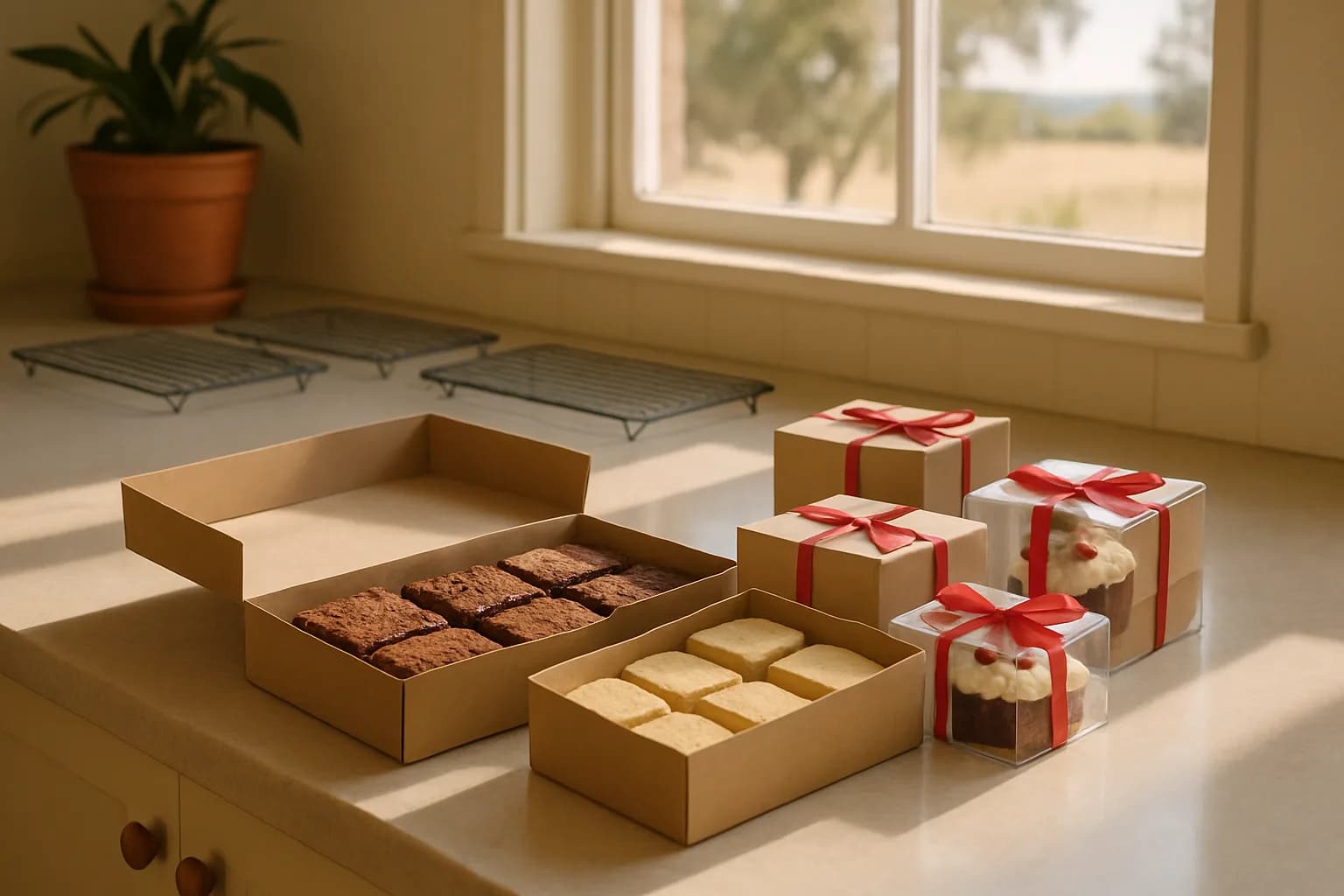
For an Australian home bakery, a workable Christmas pre-order policy should state what customers can buy, when orders close, how payment confirms their booking and exactly when to collect. Start with a small menu and a realistic quantity limit for each bake day. Then use a separate Vendl pre-order page for each collection date, with full payment or a deposit, rather than treating messages as confirmed orders.
The key distinction is between capacity, payment and collection. An order needs space in your production plan, a confirmed payment arrangement and one clear pickup date. Keep those three things together from checkout to handover.
Choose a small menu and calculate capacity manually
Start with three or four products you already make reliably. For example, offer one brownie box, one shortbread box and one mini cake, with fixed pack sizes. Save complicated custom decorations for a separate offer, or leave them out of the Christmas menu.
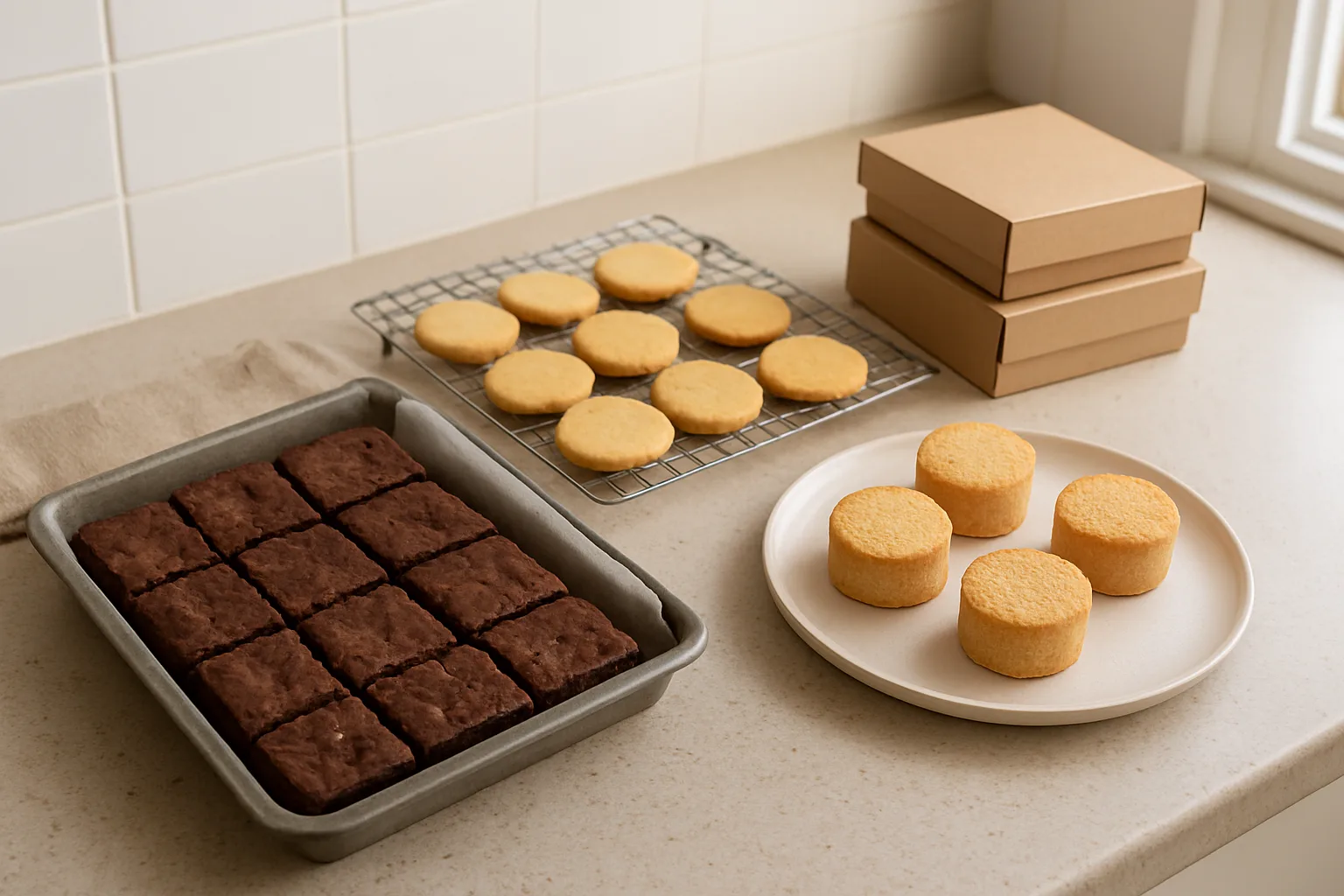
Before advertising quantities, time a trial batch through mixing, baking, cooling, decorating and packing. Check oven space, cooling racks, storage and your own working hours. A product that bakes quickly may still take too long to decorate or box.
Hypothetical planning example: you have six hours available for one collection day's production. Your tested schedule gives you these allocations, including each product's packing work:
| Product | Saleable quantity | Allocated time |
|---|---|---|
| Brownie boxes | 12 boxes | 90 minutes |
| Shortbread boxes | 8 boxes | 80 minutes |
| Mini cakes | 4 cakes | 100 minutes |
That is 24 saleable units and 270 minutes. Add 60 minutes for shared setup, cleaning and final checks: 330 minutes used from 360, leaving a 30-minute buffer. These are illustrative numbers, not production benchmarks. Your actual schedule must also accommodate cooling and storage without relying on equipment being available twice at once.
Write down both the individual limits and the total daily commitment. Twenty-four units does not mean 24 customer orders: one buyer might purchase three boxes. Nor should you replace four sold-out mini cakes with four extra brownie boxes without checking the time and ingredients.
In Vendl, pre-order stock represents an order cap rather than finished stock on hand. Keep a separate manual capacity sheet for each bake day, and reconcile it against orders across all your open pages. Do not assume that creating another collection page creates another kitchen's worth of capacity.
Choose collection dates before setting the order deadline
Work backwards from pickup: allow time for packing, finishing, baking, ingredient purchasing and a recovery margin. Ask suppliers for their final ordering and collection dates before choosing your own cut-off.
For Christmas 2026, Christmas Day falls on Friday 25 December. The Fair Work Ombudsman's state-by-state public holiday list also identifies Christmas Eve part-day holidays in Queensland from 6 pm, and South Australia and the Northern Territory from 7 pm. Check your state's dates rather than assuming an evening pickup or supplier visit will fit normal arrangements.
Here is an example schedule for 2026, not a required Australian deadline:
| Collection | Example order cut-off | Planning check |
|---|---|---|
| Saturday 19 December, 9–11 am | Sunday 13 December, 6 pm | Suitable for customers buying for that weekend |
| Thursday 24 December, 9–11 am | Friday 18 December, 6 pm | Confirm ingredients and packaging before the final production run |
A six-day gap is simply a starting point for this example. Close earlier if you need specialist ingredients or substantial decoration time. Take later orders only when your tested process and remaining capacity support them. Describe all times as local to your pickup location.
Do not imply that food collected on 19 December will necessarily keep until Christmas Day. Match collection dates to each product's established storage and shelf-life guidance.
Give each pickup day its own Vendl checkout
Vendl pre-order pages give each collection day its own order window, payment arrangement and shareable link or QR code. A page can contain several products, so customers can buy brownies and shortbread together for the same pickup.
Different collection days require separate checkouts. Someone ordering for both 19 and 24 December needs to complete one checkout for each date. Take-now stall purchases also cannot share a checkout with pre-orders.
- Connect Stripe or Square and enable card payments before making a pre-order page live.
- Mark the relevant catalogue products as available for pre-order pages.
- Create a clearly named page, such as Christmas pickup 24 December.
- Set Orders close, the collection time and Collect at a place. Add the pickup window and directions in the note.
- Select the products and choose full payment or a percentage deposit.
- Open the public link and test the ordering journey before sharing it.
Put the date beside every link you share. Use a simple reply for enquiries: For Christmas Eve collection, please order through the 24 December page. Your booking is confirmed after payment.
If a customer requests a different date by message, check capacity first. Do not leave an accepted date change only in your inbox: reconcile the order record and both days' production plans before confirming the arrangement.
Choose full payment or a deposit before orders open
For a fixed Christmas menu of modestly priced boxes, full payment is usually the simpler operating choice: you have no remaining balance to check at pickup. Consider a deposit for a larger order when you are prepared to manage the outstanding amount.
- Full payment: useful when the contents, price and collection date are settled at checkout.
- Deposit: useful when taking the whole amount immediately would be a barrier, provided the remaining amount and payment timing are clear.
Vendl pre-order pages support either payment in full or a percentage deposit with the balance due on handover. Buyers pay by card through the connected checkout provider, not cash or PayID. After payment, the buyer receives a confirmation email and you receive a sale alert.
Hypothetical payment example: on an AUD $120 order total, a 50% deposit is $60, leaving $60 outstanding. Do not count the deposit as full payment. Keep the total, amount received and remaining balance distinct when checking the order.
For Vendl deposits using Square, the saved card is charged for the balance on collection or delivery day. If that charge fails, the shopper is emailed a link to pay with another card. Check payment status rather than assuming the arrival of pickup day means the balance has been received.
Write pickup and cancellation terms customers can understand
Make the practical terms visible before someone pays. Cover:
- The product and pack size, total price and payment arrangement.
- The order deadline, including that availability may end earlier when capacity is reached.
- The full collection date, pickup window, location and contact method.
- The deadline for requesting changes or cancellations, and how those requests will be assessed.
- What to do if the buyer is running late, whether someone else can collect, and whether later collection can be arranged.
- Relevant product storage instructions and how long you can hold an uncollected order under suitable conditions.
Example pickup wording: Collection is Thursday 24 December 2026, 9–11 am local time. Please contact us before 11 am if you are delayed. Later collection is by agreement only; we cannot promise next-day collection or a replacement bake.
Choose a holding limit you can actually support for the products you sell. Do not promise indefinite storage, and do not use a blanket no-refunds statement. Across Australia, the ACCC's refund guidance distinguishes change-of-mind requests from remedies when consumer guarantees are not met. Your terms cannot remove those statutory rights. This is general information; seek advice on cancellation charges or deposit-retention terms before adopting them.
Turn confirmed payments into bake lists and packed orders
Once paid pre-orders arrive, Vendl Collections groups them by collection or delivery date. Use its make list for production totals, then the packing list for individual customers. Keep deposit-paid bookings distinct from fully settled orders when checking outstanding money.
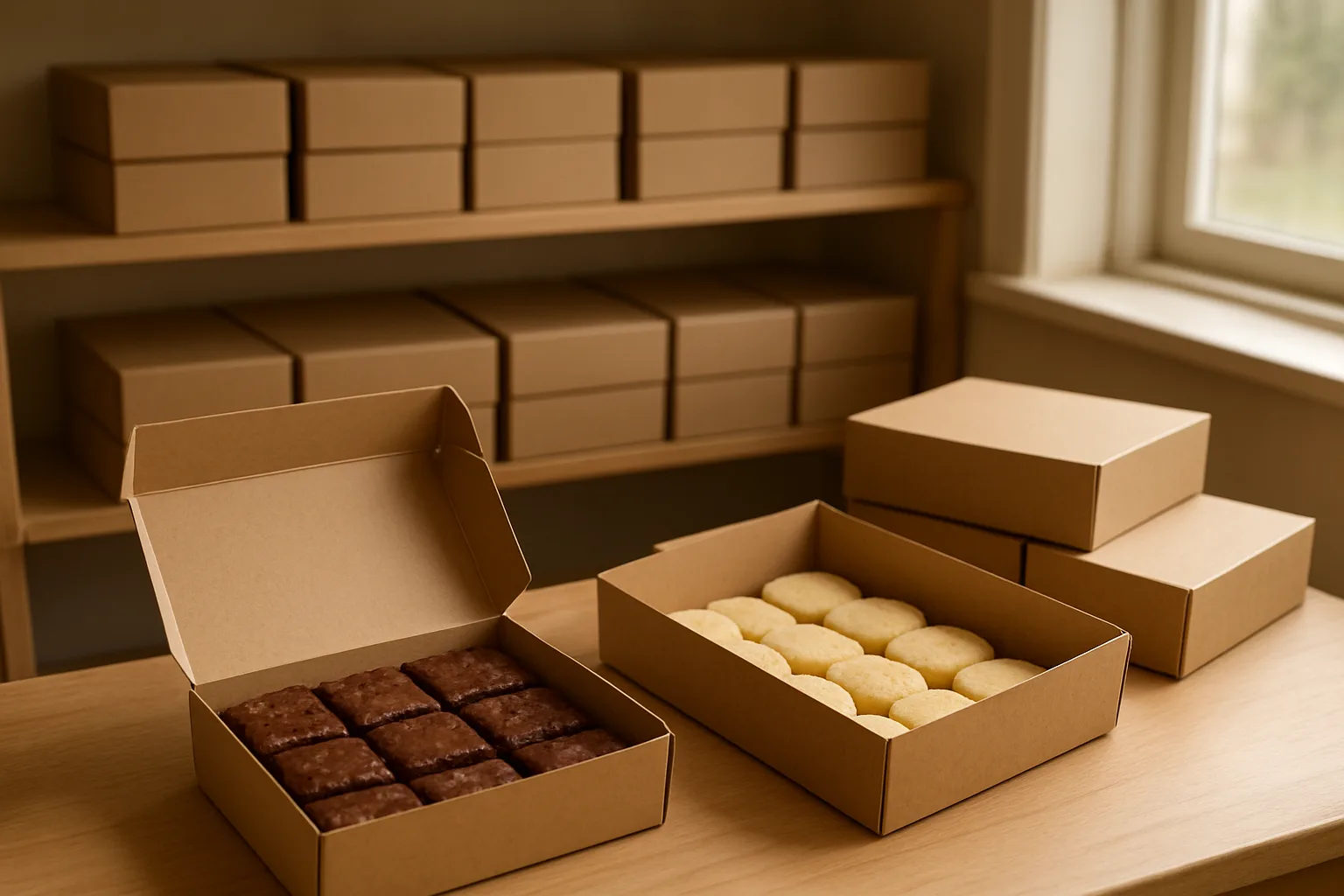
- Review one date. Open that collection day's make list and check totals by product and option against your manual capacity sheet.
- Convert units into batches. The make list tells you what to produce; use your own recipe yields to calculate ingredients and oven runs.
- Resolve changes before production. Check any agreed cancellations, date changes or substitutions against the order records.
- Pack by customer. Use the Pack list to assemble each buyer's items. Print the day list if you prefer a paper run sheet, and use printable order labels to identify bags or boxes.
- Record progress. Mark an order Ready once it is packed, then Collected when you hand it over. Check any outstanding balance separately.
Worked example: a make list showing 12 boxes of six brownies means 12 × 6 = 72 brownies. If your tested tray yield is 24 saleable pieces, that requires 72 ÷ 24 = three trays. The packing list then tells you which customers receive those 12 boxes.
Keep different collection days in separate staging areas. Vendl's printable order labels help identify customer orders; do not treat them as a substitute for checking applicable food-labelling requirements.
Use Email all in Collections to send that day's buyers a pickup reminder or changed access instructions. This is a message you compose and send, not a reminder schedule you should assume runs automatically.
Close a full bake day, even if the deadline is still ahead
Your advertised cut-off is the latest time you will accept orders, not a promise to keep taking them until then. If capacity is reached early, stop accepting orders for that day and update the places where you shared the offer.
Offer another collection date only after checking its own capacity. A manual waiting list can record interest, but make clear that it is not a confirmed order. Do not take payment for an extra batch until you have committed the time, ingredients and packing space.
Before launching, run one small test card order. Check the collection date, confirmation email, Collections entry and quantities. Then use the relevant collection link whenever someone asks to order, rather than creating a parallel list in messages.
Put your menu and first pickup date into a Vendl pre-order page so Christmas bookings start with a clear payment arrangement and collection day.
Frequently asked questions
- Can I use one Christmas pre-order page for several flavours?
- Yes. A Vendl pre-order page can include several products for the same collection day. Products with options let buyers choose a flavour or size before returning to that day's checkout. Options share the product's stock count, so separately monitor any flavour-specific ingredient limits.
- Can someone else collect a customer's Christmas order?
- You can allow this in your pickup policy. Ask the buyer to tell you who is collecting and have that person provide the order reference and buyer's name. Check the items and any outstanding payment before recording the handover.
- What if I want to offer gift boxes to a business as well as individual customers?
- Assess the business order against the same production limits before accepting it. Count its boxes, packaging and handling time, not just its single order number. If it uses a substantial part of a bake day, reduce what you offer other customers.
- Should I accept custom allergy requests through order messages?
- Do not accept a request until you have assessed whether your ingredients and preparation process can meet it. Describe your products accurately, avoid assurances you cannot support and confirm any agreed change before payment. A customer message alone is not an agreed substitution.
- Where can I find Christmas orders after the collection period?
- Vendl Collections shows upcoming paid pre-orders and the last 14 days. Older order history remains under Orders.
Get new guides by email
Practical guides for stall, market and home-food sellers. No spam, unsubscribe any time.
Keep reading
Vendl vs Bakesy: Which Is Better for Unattended Payments, Pre-Orders and Inventory?
A workflow-based comparison for stand holders, roadside sellers and home bakers choosing between unattended QR checkout and bakery order software.
Selling food from home in QLD: a product-by-product licence checklist
Making jam, blending spices and reselling sealed packets are different activities under Queensland food rules. Work through your products, premises and sales channels before asking council to confirm your licence requirements.
Sell food from home in Australia
State-by-state rules for home food businesses: registration, labelling and where you can sell.