Run a weekly produce or bake box without chasing repeat orders
Published By Jono Farrington · 8 min read
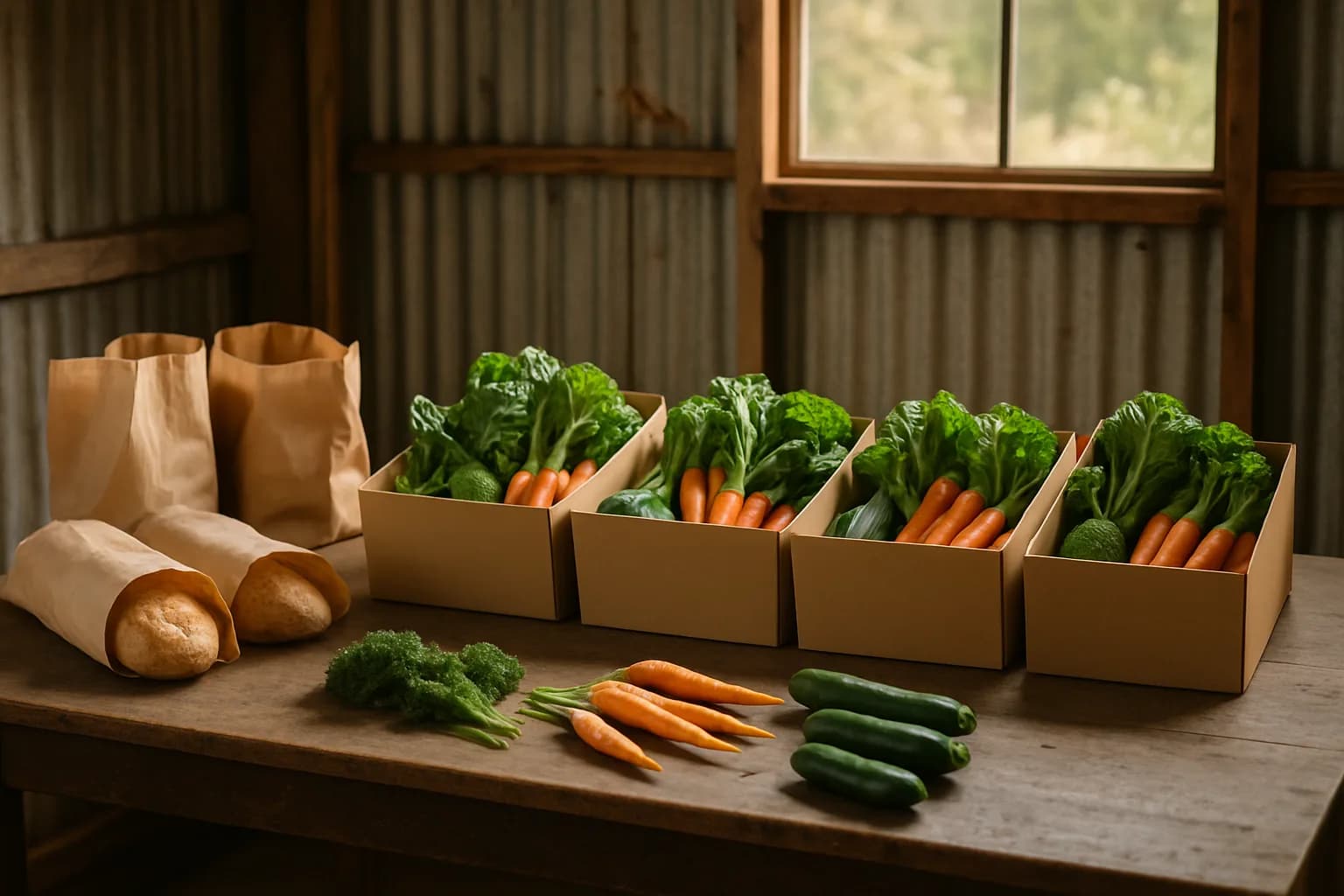
To run weekly veggie box subscriptions or a recurring bake box without chasing orders, give customers one enrolment link, charge their card each cycle and work from paid orders rather than replies to messages. Set a clear collection routine and let subscribers manage skips, pauses and cancellations themselves. Vendl’s Shopper subscriptions connect recurring payments to Collections orders, so you can spend your time harvesting, baking and packing instead of asking who wants another box.
The detail to settle before launch is timing: a weekly payment interval does not, by itself, explain which box someone has bought or when they should collect it. Your offer needs to make that connection clear.
Choose a box people can comfortably use each cycle
Start with one dependable offer, or two sizes at most. Weekly suits a household that reliably uses the contents in seven days. Fortnightly can be a better starting point for smaller households or customers who want a regular top-up rather than their whole shop.
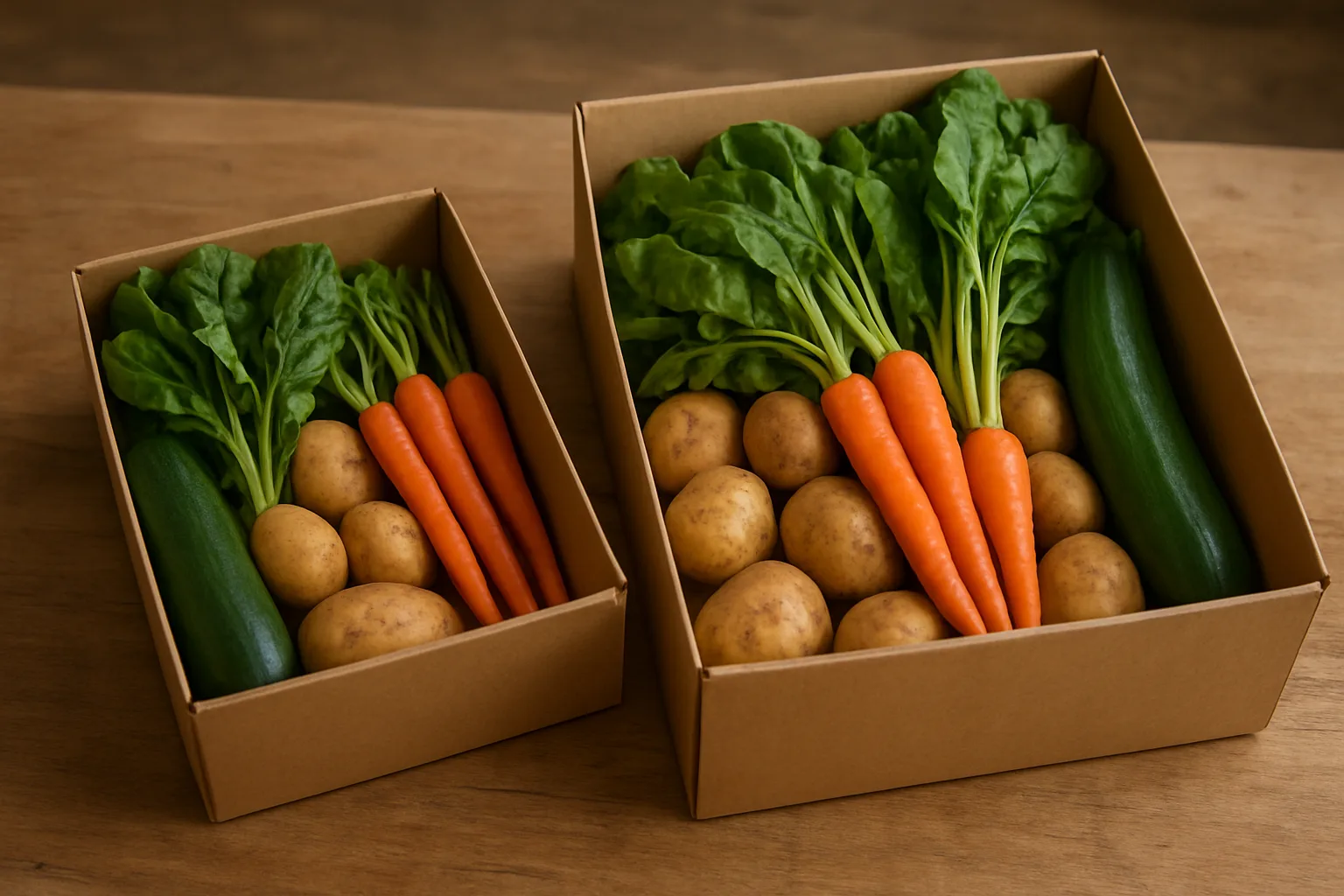
For a bake box, think about eating habits rather than simply filling a carton. A weekly bread box and a fortnightly treat box solve different problems. A mixed produce-and-bake box can work too, provided both parts are ready for the same handover.
| Example offer | Promise to the customer | Boundary to set |
|---|---|---|
| Small seasonal produce box | A manageable mix of seasonal vegetables | Explain the expected quantity and how contents vary |
| Family produce box | More of the core vegetables, not just more unusual items | State how it differs from the small box |
| Weekly bread box | A defined number and size of loaves | Say whether bread types rotate |
| Mixed weekend box | A defined produce portion plus specified baked goods | Keep substitutions within the advertised scope |
These are hypothetical offer designs, not suggested universal serving sizes. Test your quantities with a small initial group rather than promising that one box will feed every family.
Separate the fixed promise from the variable contents. For example: “Two loaves each Friday, with the second loaf rotating between the varieties listed.” For produce, describe the expected range and quantity without promising a crop before you know it is available. Avoid unlimited swaps at launch: each exception becomes another packing instruction.
Choose payment timing before announcing pickup day
For an ongoing box, charging per cycle is a straightforward starting point: weekly payment for a weekly box, fortnightly payment for a fortnightly box. Taking the whole season’s payment upfront is a different offer, with more decisions about missed weeks, changes and refunds.
| Payment approach | When it may suit | What to explain |
|---|---|---|
| First payment at signup, then recurring payments | An ongoing box with flexible enrolment | Which collection the first payment covers and when billing repeats |
| Payment each cycle before production | A box where you need a paid count before picking or baking | The relationship between billing, the production deadline and collection |
| Whole season paid upfront | A clearly defined seasonal commitment | Number of boxes, season dates and how changes will be handled |
These are planning choices, not a claim that every billing system supports all three. Vendl’s documented Stripe subscription flow takes payment at enrolment and repeats at the selected interval. You can choose a collection weekday or leave it blank to use the billing day. Do not assume that choosing Friday collection also moves every subscriber’s charge to Wednesday.
Before advertising a fixed weekly charging day, test the first charge, renewal and collection-date behaviour. A successful charge is also not the same thing as money reaching your bank account, so leave a cash buffer for ingredients and packaging.
Price the box to cover contents, packaging, your work and payment costs. As of 19 October 2026, Vendl Free has no monthly fee and includes Shopper subscriptions; a 2.5% Vendl fee applies to card payments, with standard processing fees separate. Free account does not mean fee-free card billing.
Work backwards from harvest or bake day
Choose one collection window or delivery day first. Then decide when you need a reliable production count. Allow time for the actual work: ordering ingredients, preparing dough, harvesting, cooling, packing and checking orders.
The following is a hypothetical Friday collection routine. It is a planning example, not an automatic Vendl schedule.
- Monday: check expected produce or ingredient availability and prepare a provisional contents update.
- Wednesday morning: review paid orders, subscriber changes and any billing exceptions. Resolve which collection any late enrolment will receive.
- Wednesday midday: take your working production count, provided the relevant payments have succeeded.
- Thursday: harvest or prepare, and send any necessary substitution notice.
- Friday: finish production, pack by customer and hand over during the advertised window.
A 48-hour planning gap may suit this example, but it is not a food-safety rule or a software default. Use the lead time your products require. If billing happens later than your proposed production lock, change the operating plan rather than treating unpaid renewals as confirmed orders.
Write down how late signups are handled before sharing the enrolment link. If you offer delivery, define the area, day and handover instructions as carefully as a pickup window. Do not promise exact delivery times unless you can meet them.
For a one-off seasonal bake alongside your recurring offer, the payment, production and pickup planning checklist provides a useful separate workflow.
Turn each paid cycle into a Vendl packing workflow
Vendl’s Shopper subscriptions are available on Free and Pro, with weekly, fortnightly or monthly intervals and Collect or Deliver handover. Subscriptions use card payments, not cash or PayID. The Stripe setup is:
- Connect Stripe: enable charges under Settings → Stripe.
- Add the box products: the subscription offer price is the sum of the selected catalogue products multiplied by their quantities.
- Create the offer: open Subscriptions → New subscription, name it, select the interval and choose Collect or Deliver.
- Add handover details: optionally select a collection weekday and a short collection or delivery note.
- Save and test: use a low-priced test product to check enrolment, payment and the resulting order before launch.
- Share the public enrolment link: this is separate from your take-now checkout and one-off pre-order pages.
Each successful cycle creates a paid order, reduces stock and emails both you and the shopper. Subscription cycles appear in their own Collections groups rather than being mixed into a pre-order page.
Use the Collections make list for product totals, then the Pack view for each customer’s items. Print a day list or order labels if paper is easier at the packing bench. Mark orders Ready when packed and Collected, or delivered, after handover.
Keep occasional extras separate initially. Vendl’s one-off pre-orders let you use an order deadline and collection time for an extra bake or seasonal special. Do not assume a pre-order cart add-on will automatically become part of someone’s recurring subscription.
Australian sellers can also use Vendl’s Square subscription integration. Provider behaviour differs: for example, Square subscription prices are locked at signup, while the Stripe guidance says synced offer changes affect new cycles. Check the relevant setup before changing a live offer.
Send useful updates, not another request to order
Your messages should answer “What am I getting, and what do I need to do?” rather than “Would you like to order again?” Build a short communication routine around the box.
| Moment | Useful information | How to handle it |
|---|---|---|
| Before enrolment | Box promise, payment interval, first collection and change process | Make these clear in the offer information |
| Successful payment cycle | Confirmation that the cycle has been paid | Vendl emails the shopper and seller automatically |
| Contents confirmed | Actual contents and any substitutions | Send a fulfilment update to the relevant paid orders |
| Before handover | Collection window, directions and any delay | Send a concise pickup or delivery message |
In Collections, Email all sends a message you compose to everyone with an email address on that day’s paid orders. You can also message one buyer from Collections or Orders. These are seller-sent fulfilment messages, not documented scheduled reminders. Marking an order Ready should not be treated as a guarantee that a ready-for-pickup email has gone out.
A hypothetical update might read: “This Friday’s box includes the planned vegetables, with silverbeet replacing spinach. Collection is 3–6 pm at the usual point. Please contact us if you cannot make the window.” If a substitution affects a customer’s dietary requirements, resolve that individually rather than assuming it is acceptable.
Remember that a paid-order email group is not every subscriber. For a future offer change, check who needs to know, including anyone currently paused.
Make skips, pauses and missed collections predictable
Vendl gives subscribers a manage link to skip the next cycle, pause billing, resume, update their card or cancel. A skipped cycle does not create a Collections order or reduce stock. That removes the routine need to process every holiday request through messages.
Explain the difference between changing a future subscription and changing an order that has already been paid for or prepared. Before launch, document:
- Future changes: where customers find their manage link and how they check the next cycle.
- Already-paid orders: who to contact and how you will assess a change request.
- Missed collections: how to contact you, whether another person may collect and whether any later handover is possible.
- Payment problems: how you will handle a box that has no successful paid order by production time.
- Seller interruptions: how you will communicate a harvest shortage, illness or cancelled collection day.
Do not leave perishable boxes out indefinitely or promise a holding period without checking appropriate storage requirements. Set a practical collection policy, and check that your terms meet your obligations rather than relying on a blanket “no refunds” statement.
Turning off “Offer is live” in Vendl stops new signups; it does not stop billing existing subscribers. Treat a seasonal shutdown as a subscriber-management task, not just a visibility change.
Test one full cycle before expanding
Run through enrolment, payment, collection-date assignment, packing, messaging and a subscriber change before inviting a larger group. Check that the box is worthwhile after costs and that the collection window fits your production day.
For Australian home-based food businesses, FSANZ’s home-based food business guidance says you must notify your local food regulator, usually the council, before starting. It also says you must tell the council before changing your food activities. Check the requirements in your own state and council area for the products, storage and handover arrangements you plan to use.
Expand only when the first offer works reliably. A second size or collection day is easier to add when you already know where the work sits. Keep the first version simple: a clear box promise, a tested payment cycle and one dependable handover routine.
To turn repeat box orders into recurring card payments and paid Collections orders, start a free Vendl account and set up Shopper subscriptions.
Frequently asked questions
- Can customers subscribe to a box using cash or PayID?
- Not through Vendl’s Shopper subscriptions, which use card payments. If you accept a separate cash arrangement, do not count it as an automatically paid subscription cycle.
- Do delivery subscribers enter their address when they enrol?
- Yes. Vendl’s documented Stripe subscription enrolment collects the shopper’s name, email and phone, plus an address when the offer uses delivery. Make your delivery area clear before customers enrol.
- What happens if a Square subscription payment fails?
- Vendl emails the shopper a link to update their card and retries after 1, 3 and 5 days. If payment still fails, it cancels the subscription and notifies you. This is the documented Square integration behaviour; do not assume the same retry schedule for Stripe.
- Can I switch existing Stripe subscribers to Square by changing my payment provider?
- Existing Stripe subscribers stay on Stripe. Enabling Vendl’s Square subscription integration does not automatically migrate those subscribers.
- Where can I find older subscription orders?
- Collections shows upcoming paid orders and the last 14 days. Older order history remains under Orders.
Get new guides by email
Practical guides for stall, market and home-food sellers. No spam, unsubscribe any time.
Keep reading
Vendl vs Shopify: choose a shop that fits your bake days and markets
If most of your orders end at a market table or local pickup, compare the weekly workflow before choosing your platform. Here’s where Vendl fits, when Shopify makes sense, and how to budget fairly.
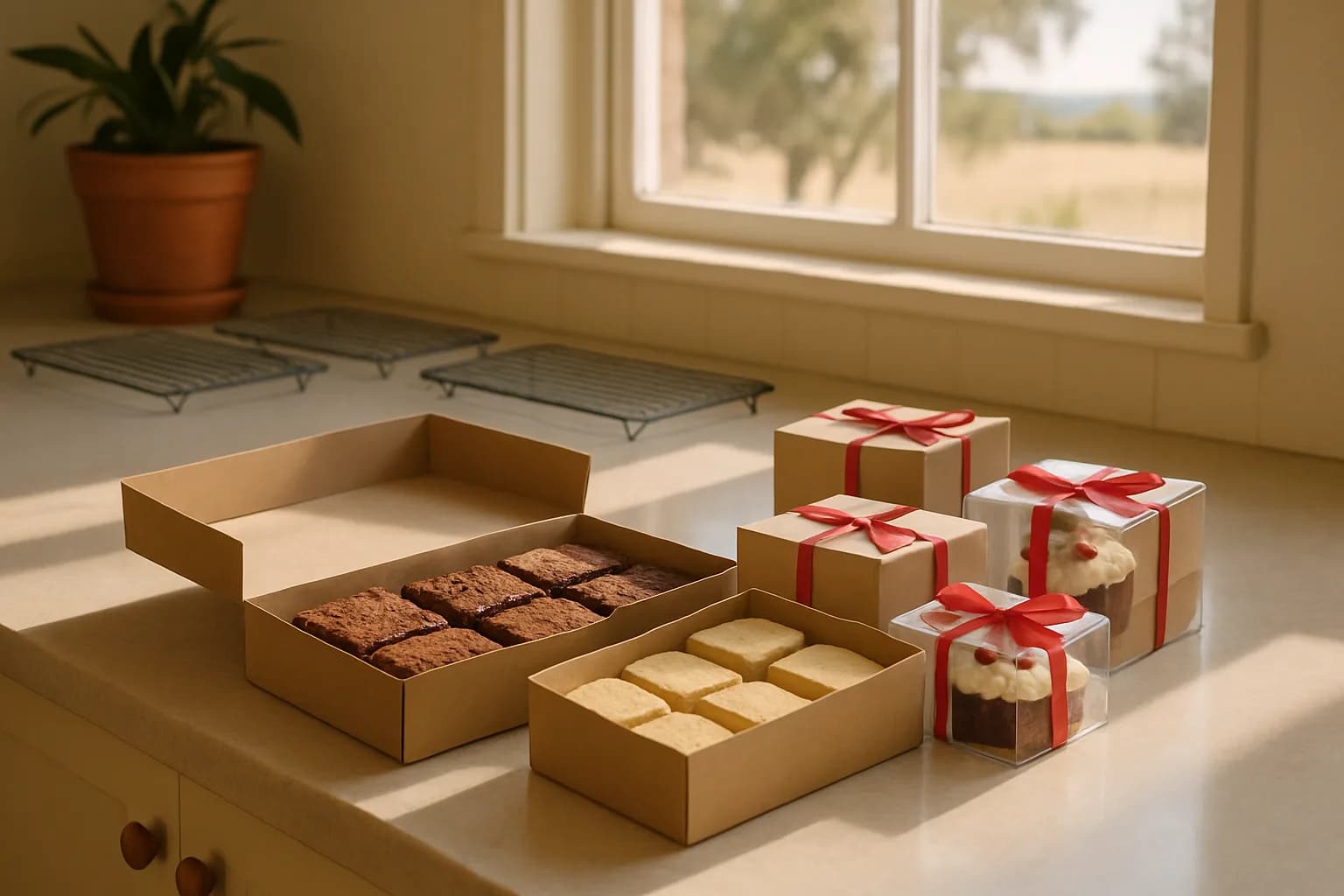
Organise Christmas bake orders by payment, production and pickup day
A manageable Christmas bake starts with a small menu and clear limits. Set up separate collection days, choose payment terms and turn confirmed orders into production and packing lists.
Vendl vs Bakesy: Which Is Better for Unattended Payments, Pre-Orders and Inventory?
A workflow-based comparison for stand holders, roadside sellers and home bakers choosing between unattended QR checkout and bakery order software.